Generative AI guide
Launch faster. Design smarter. Here’s how to create 3D content using JigSpace’s built-in AI tools.
1. Open the AI Generator
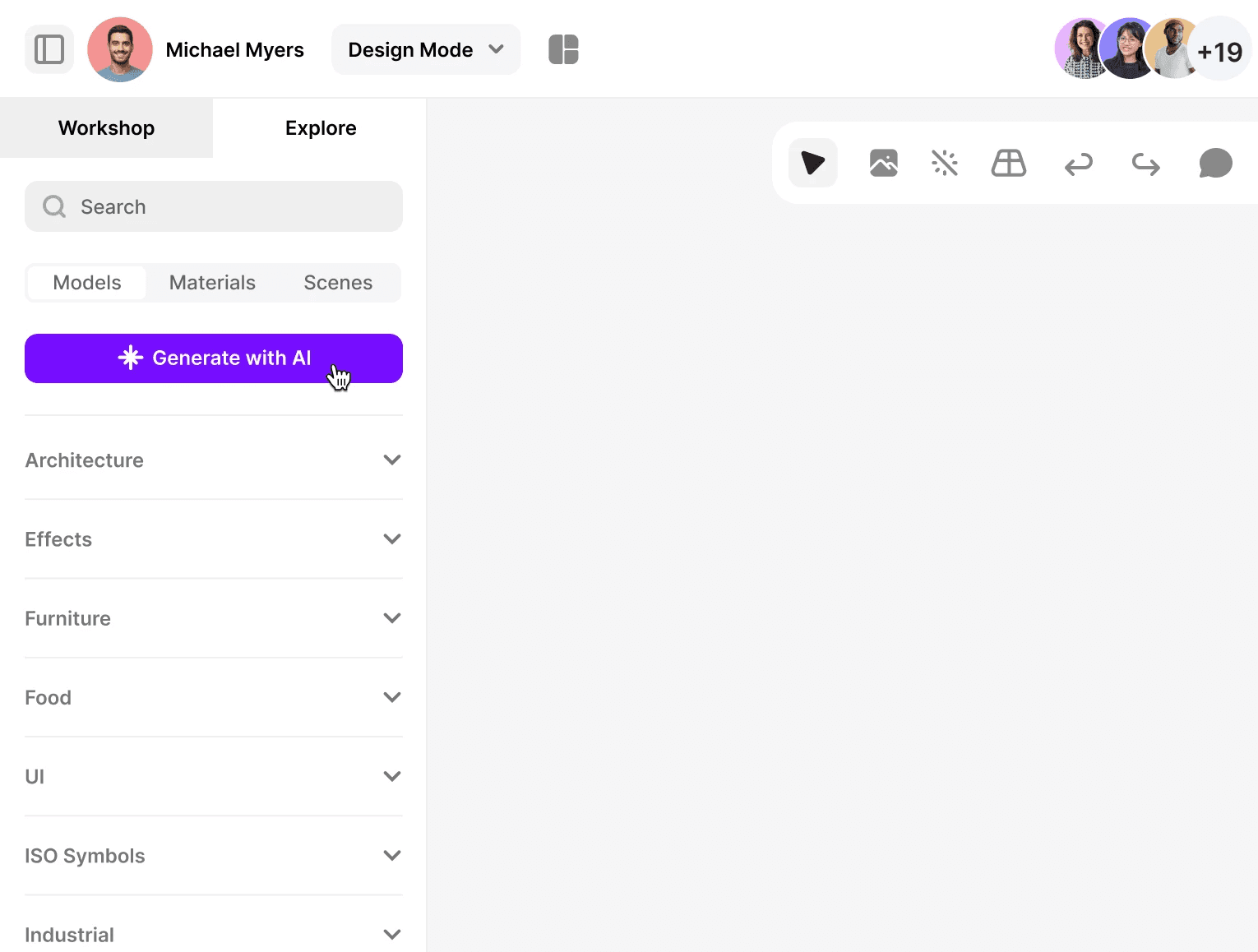
Navigate to the Explore tab in the JigSpace interface and click the Generate with AI button. This opens the generative AI panel where you can create 3D models, materials, or scenes, instantly.
2. Enter your prompt to start generating
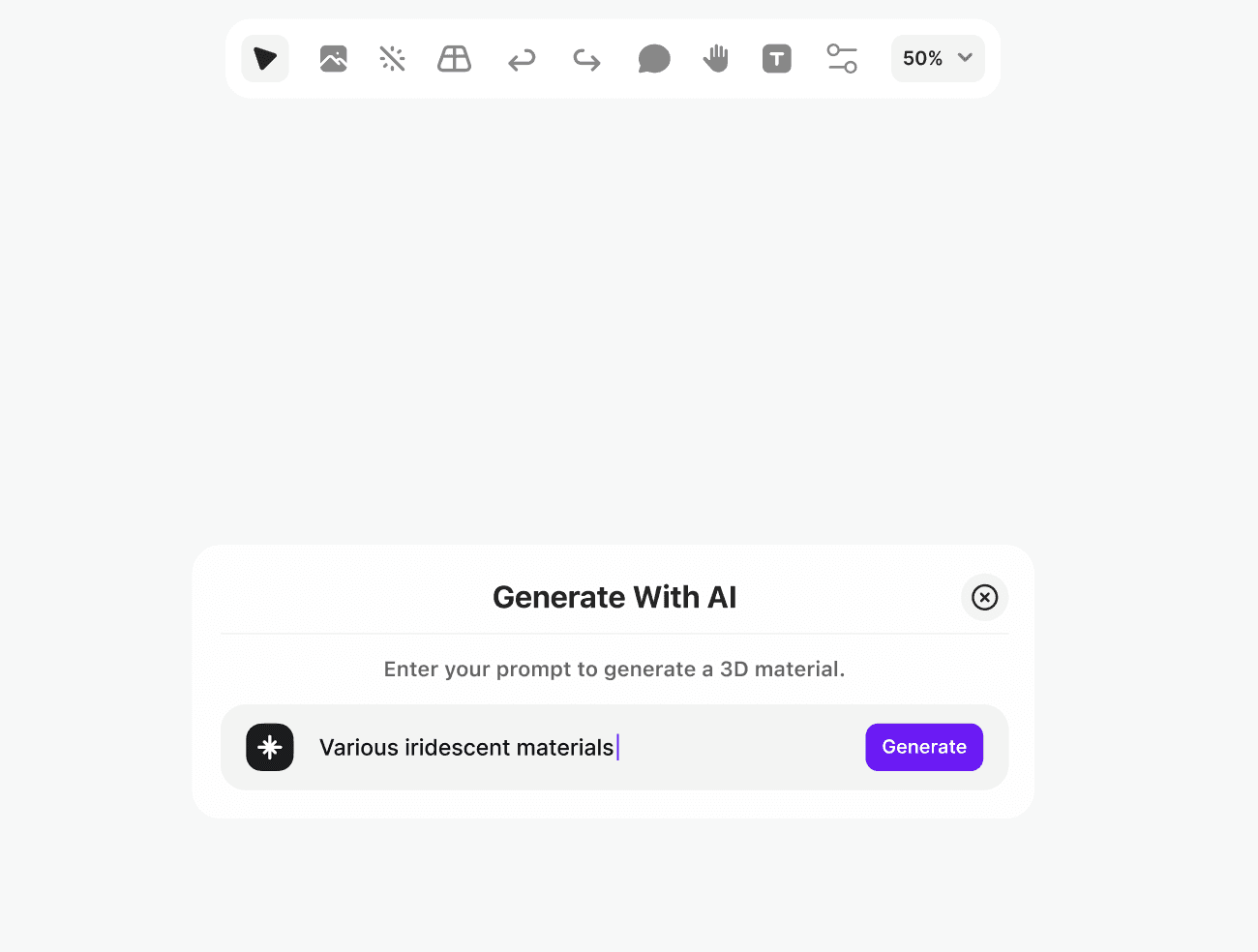
In the prompt field, describe the 3D asset you want to create. Be specific, AI works best when it knows the details. For example: "Modern car, silver color with smooth finish"
3. Wait for the results to generate
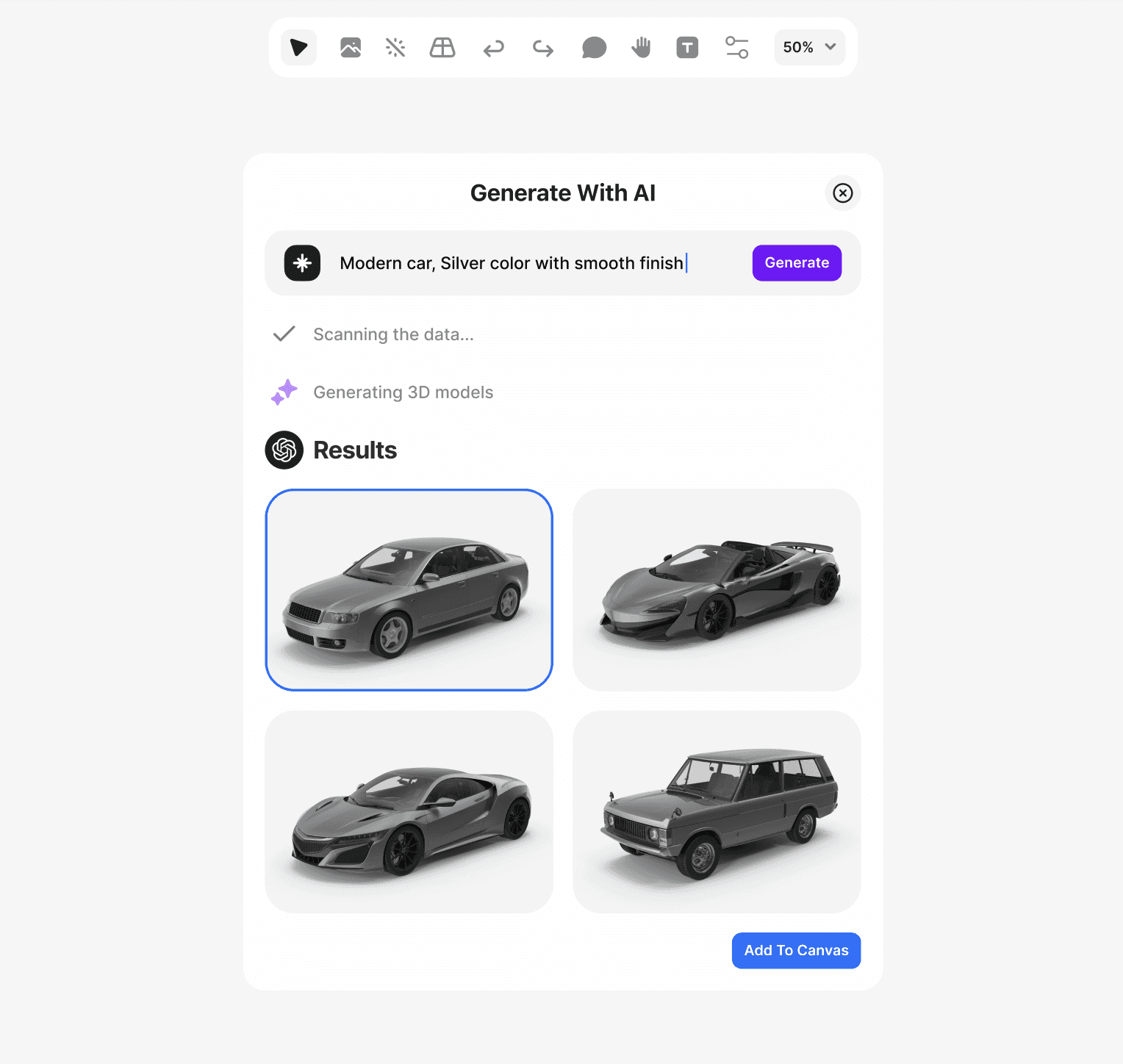
Hit Generate and watch as JigSpace turns your prompt into 3D content. Within seconds, you’ll see multiple AI-generated options to choose from, ready to use in your Jig.
Why it works
JigSpace’s generative AI is trained to understand real-world product needs. From industrial components to sleek consumer designs. Whether you're prototyping or presenting, it saves time and gets your ideas in front of people faster.
Generative AI Tips
Get better results by tailoring your prompts to the type of content you’re generating. Here are a few tips to guide you:
3d Models
Be clear about the object type and function (e.g. “ergonomic office chair with mesh back” or “compact drone for aerial filming”)
Include details like color, material, or finish for more accurate visuals
Add style cues if relevant (e.g. “minimalist”, “retro”, “industrial”)
3d Materials
Mention surface qualities like “glossy,” “matte,” “metallic,” or “textured”
Include color and material (e.g. “brushed aluminum with dark grey tint”)
You can also reference real-world materials (e.g. “carbon fiber weave” or “frosted glass”)
3d Scenes
Think in terms of environments (e.g. “factory floor,” “mountain landscape,” “surgical lab”)
Combine lighting, mood, and terrain (e.g. “foggy desert at sunrise”)
Use contextual cues that match your product's use casess”)